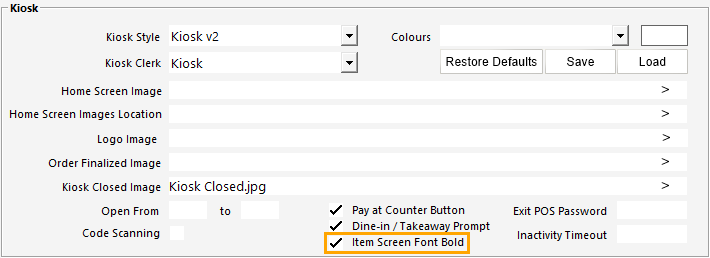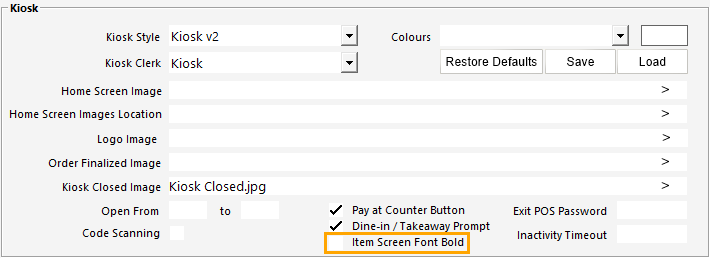
This option will enable Stock Items listed on the Kiosk screen to be displayed in bold font type.
Go to: Back Office > Setup > Yes/No Options > Kiosk > Toggle the option "Show Item Detail screen with Bold Font" as required.
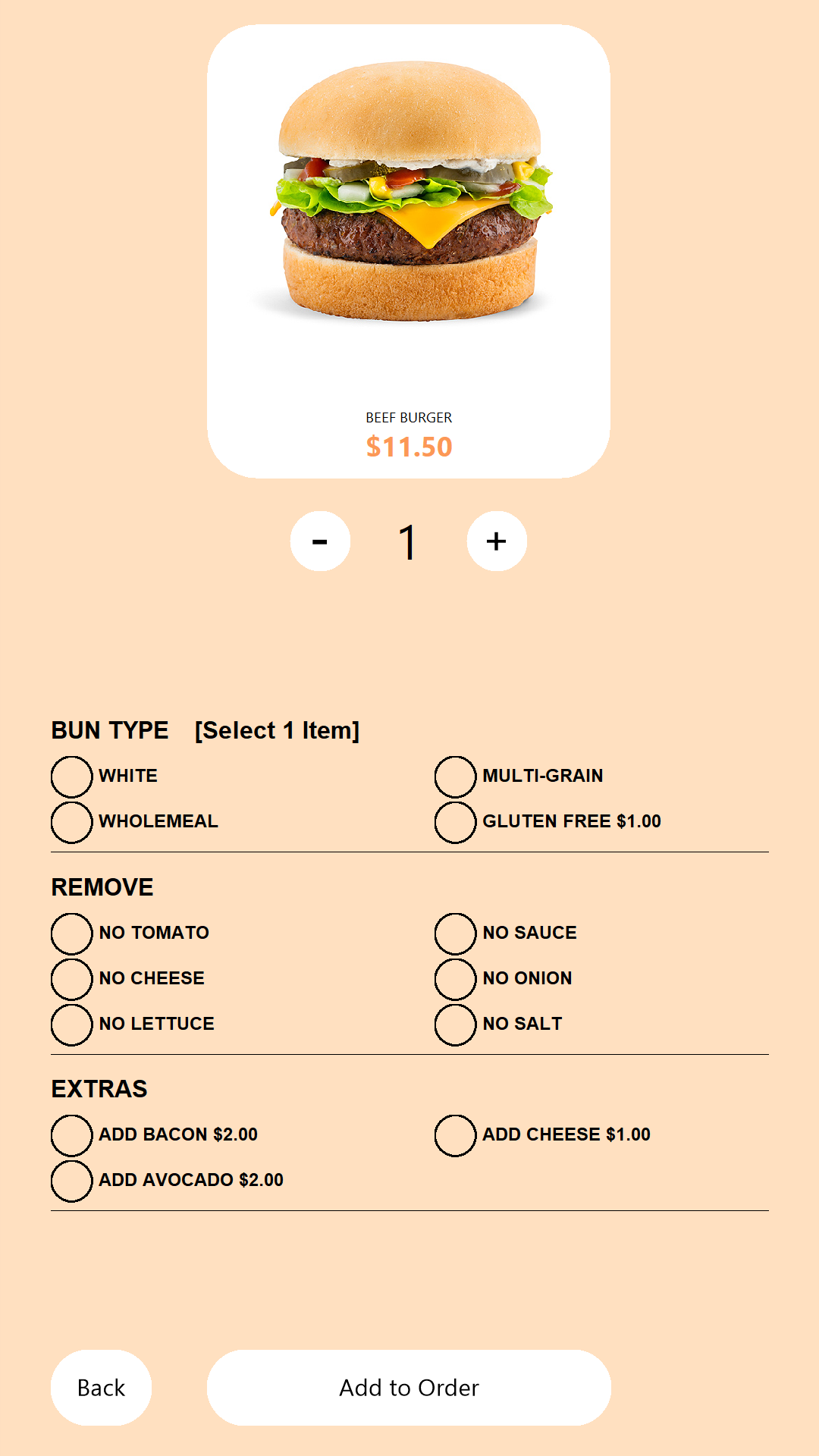
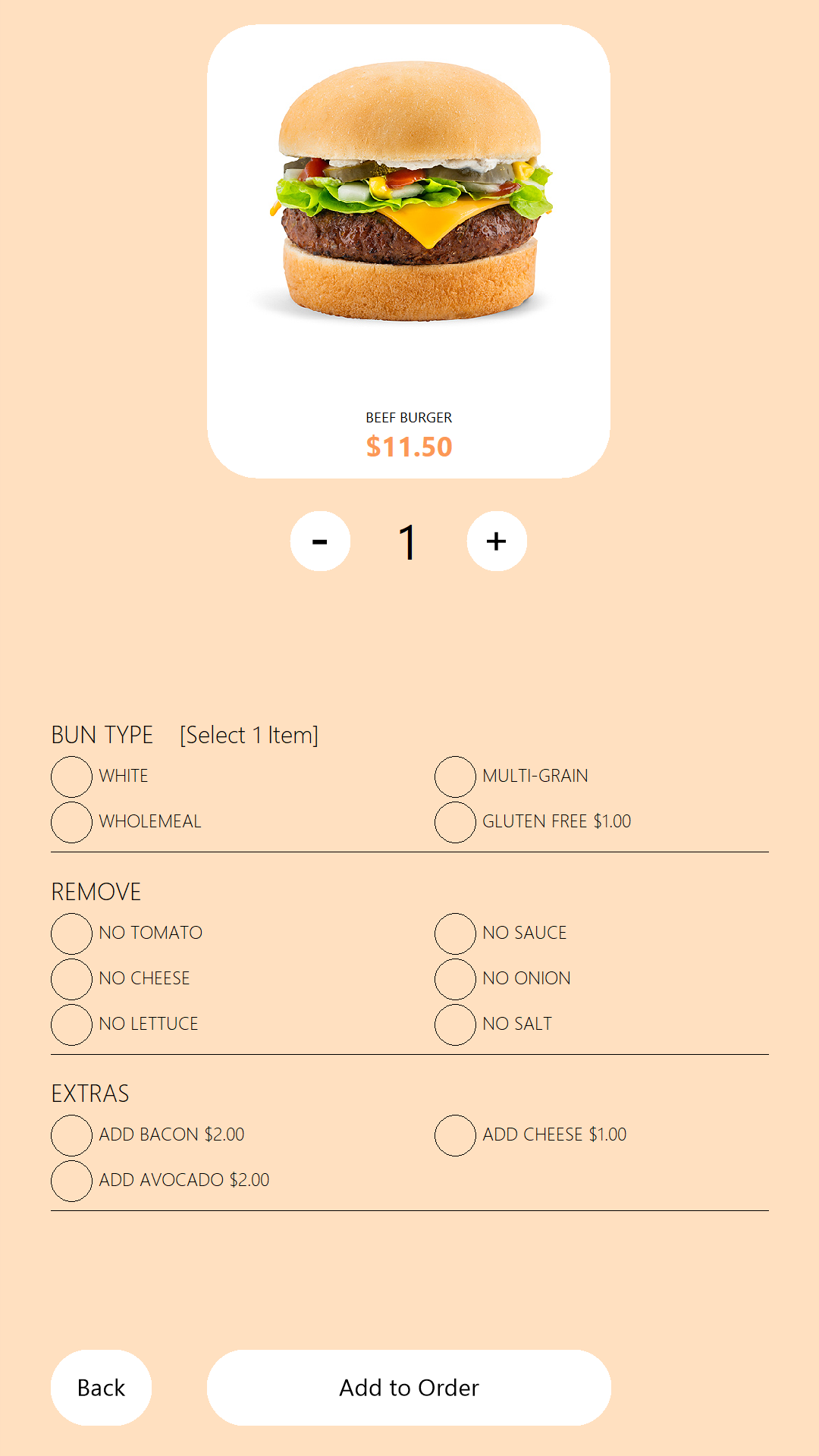
The below shows examples of the Item Screen with the option enabled and disabled.
Item Screen Font Bold disabled:
Item Screen Font Bold enabled: